Know which parts are low and how the garage is doing
Enter how many of each part you have, and GarageBilling takes them off as you bill and warns you when a part runs low. Six reports show your revenue, pending payments, stock, customers, GST and most-billed work, for the period you pick.
Free on Google Play · Android 7.0 or newer · No card needed
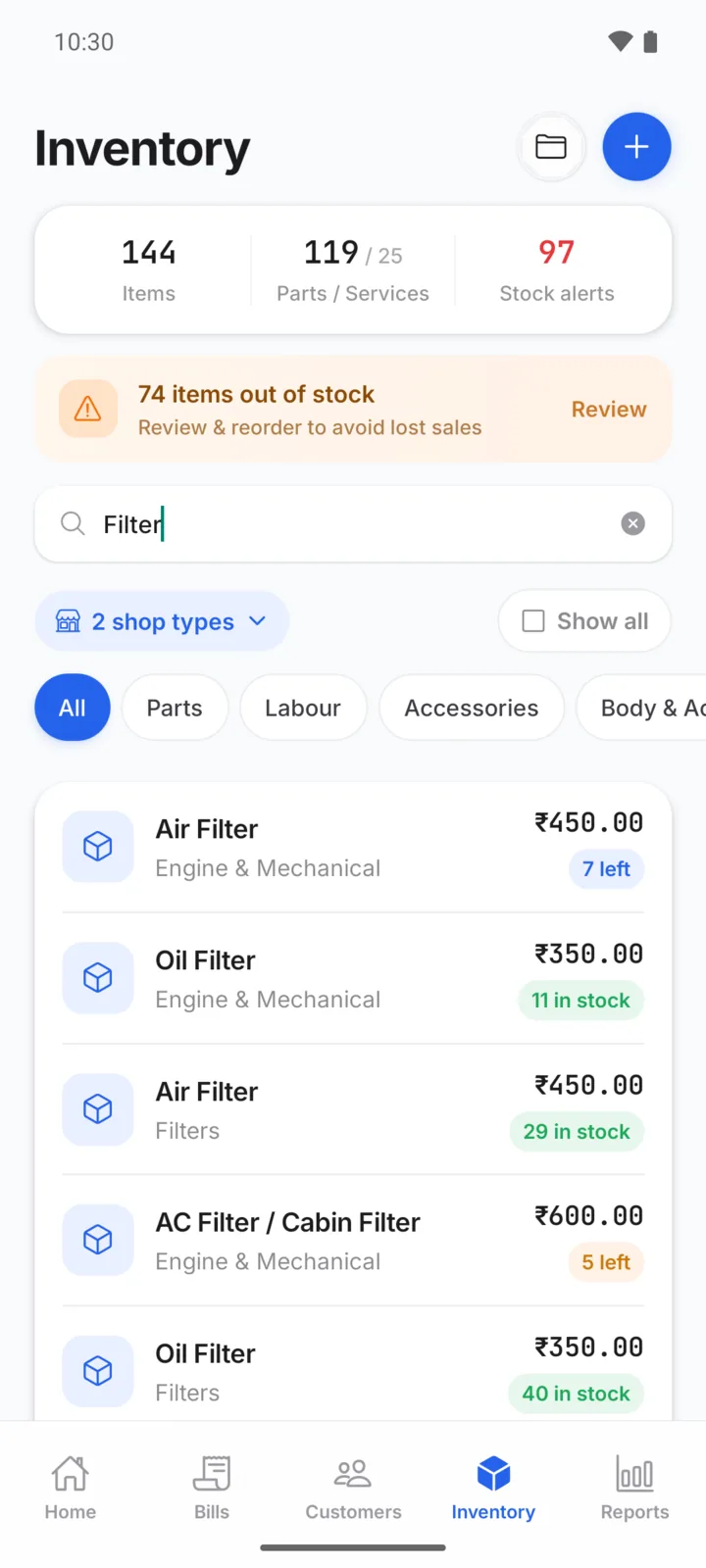
Spare parts stock that keeps itself up to date
- Set the quantity in hand and a low-stock level for each part
- Saving a bill takes the parts off stock; editing or cancelling puts them back
- Low-stock and out-of-stock alerts on the Inventory screen
- Services and labour are never counted as stock
One-off lines typed into a bill are not linked to a stock item, so they do not change stock.
Six reports, plain numbers
| Report | What it shows |
|---|---|
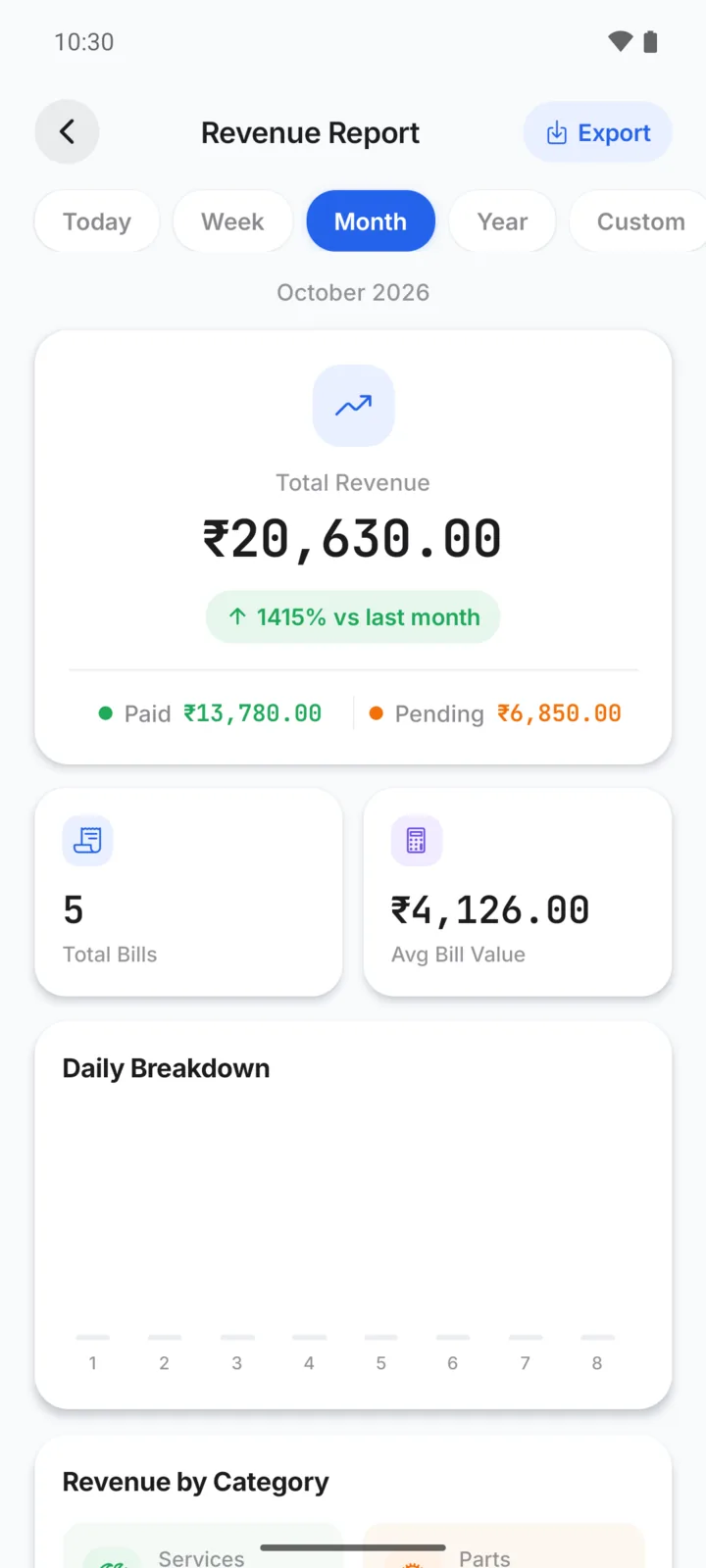
| Revenue | Daily and monthly billing totals. |
| Pending payments | Every unpaid and part-paid bill, with how long it has been due. |
| Stock | Stock value and the parts running low. |
| Customers | Top customers and what each one owes. |
| GST | Taxable value with CGST and SGST by rate. |
| Services & parts | The services and parts you bill most. |
Pick the period (for example this month or this year), then export as PDF or CSV. Reports show what you have recorded in GarageBilling; they are not a full accounting or profit-and-loss system.
On Android and on the web
Stock, alerts and all six reports, with PDF and CSV export.
The same stock and reports on a bigger screen, plus importing your parts list from Excel or CSV.
Questions garage owners ask
Does stock go down automatically when I make a bill?
Will GarageBilling stop me billing a part that shows zero stock?
Can I manage purchases from suppliers?
Can I download my reports?
How-to guides
Popular with these garage types
Related features
See your garage in numbers
GarageBilling is completely free. Download the Android app, or sign in on the web from your computer.
