See what you did last time
Every customer in GarageBilling has their phone number, their vehicles and every bill you have made for them. When they come back, search by name or phone and you can see their vehicles, the last job and any amount still due.
Free on Google Play · Android 7.0 or newer · No card needed
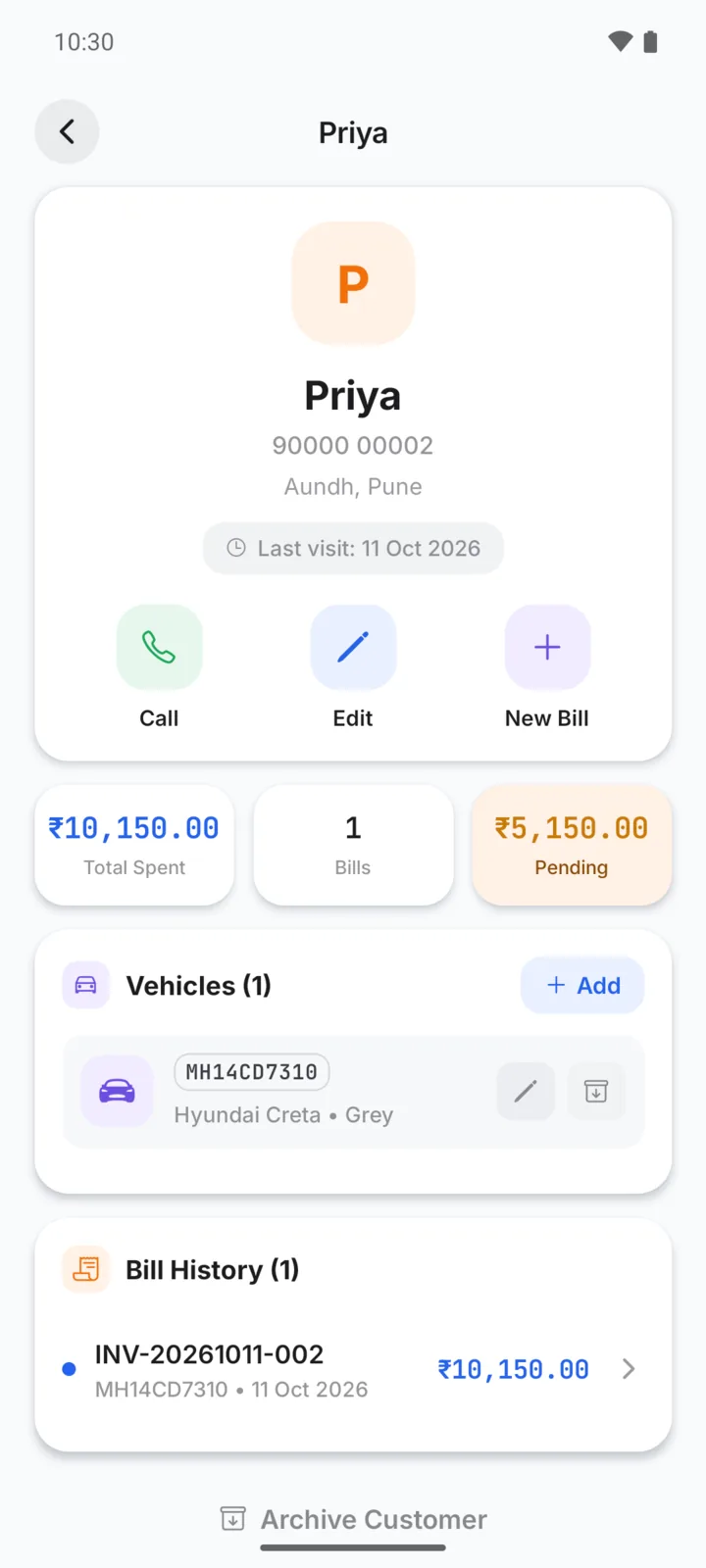
Priya brings her Creta back
Everything about one customer, on one screen
Priya calls about a noise from the front wheels. You search “Priya” and open her page: the Creta, last month's brake job and the ₹5,150 she still owes. You can talk about the noise and the balance in the same call.
On every customer's page
- Name, phone number and an optional note
- Every vehicle, with its number, model and odometer reading
- All bills and estimates for that customer
- Total billed and the amount still due
- Search the customer list by name or phone
- Archive customers you no longer see, and restore them later
How the history builds up
- Step 01
Add the customer once
Name and phone, plus the vehicle. You can do it while making the first bill.
- Step 02
Bill against the vehicle
Each bill is linked to the customer and the vehicle.
- Step 03
Look it up next time
Search by name or phone to see past work and dues.
On Android and on the web
Add and find customers and vehicles, see their bills and dues. You can also bill a walk-in without saving a customer.
The same customer list on your computer, plus importing customers from an Excel or CSV file.
Questions garage owners ask
Can one customer have more than one vehicle?
Does GarageBilling show a vehicle's full service history from other garages?
Can I import my existing customer list?
What if a customer stops coming?
How-to guides
Popular with these garage types
Related features
Keep every customer in one place
GarageBilling is completely free. Download the Android app, or sign in on the web from your computer.
