Download
Get GarageBilling free
Download the Android app from Google Play, or sign in to the web app from your computer. It is completely free and works on Android 7.0 or newer.
Free on Google Play · Android 7.0 or newer · No card needed
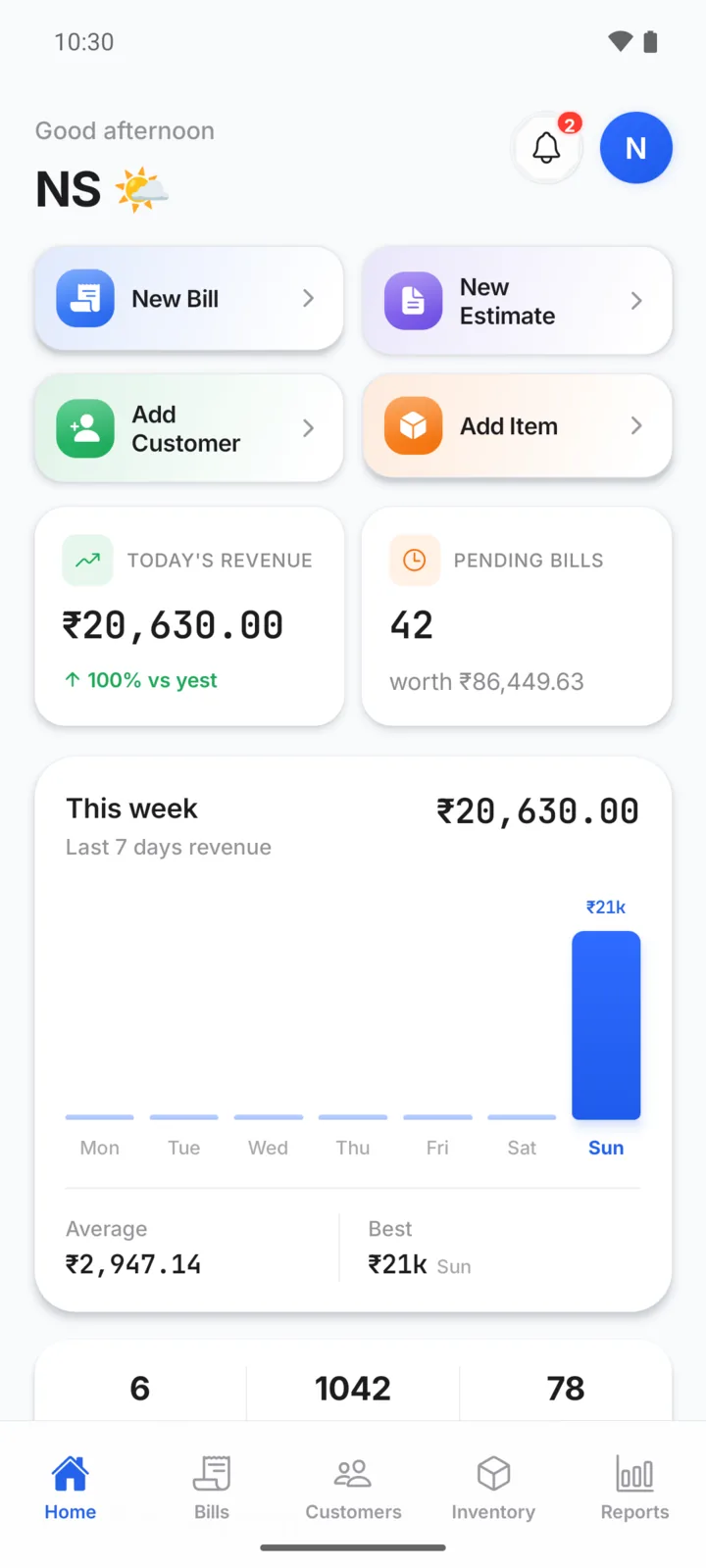
Two ways to use it
Phone or computer, same account

Web app
Open GarageBilling in your browser and sign in with the same account you use on the phone.
Sign in on webGood for a counter computer, a bigger screen, or importing your item list from Excel or CSV.
Getting started
Your first bill
- Step 01
Install and sign in
Use your Google account, or an email and password.
- Step 02
Add your garage
Garage name and mobile number. Address and logo are optional and can be added later.
- Step 03
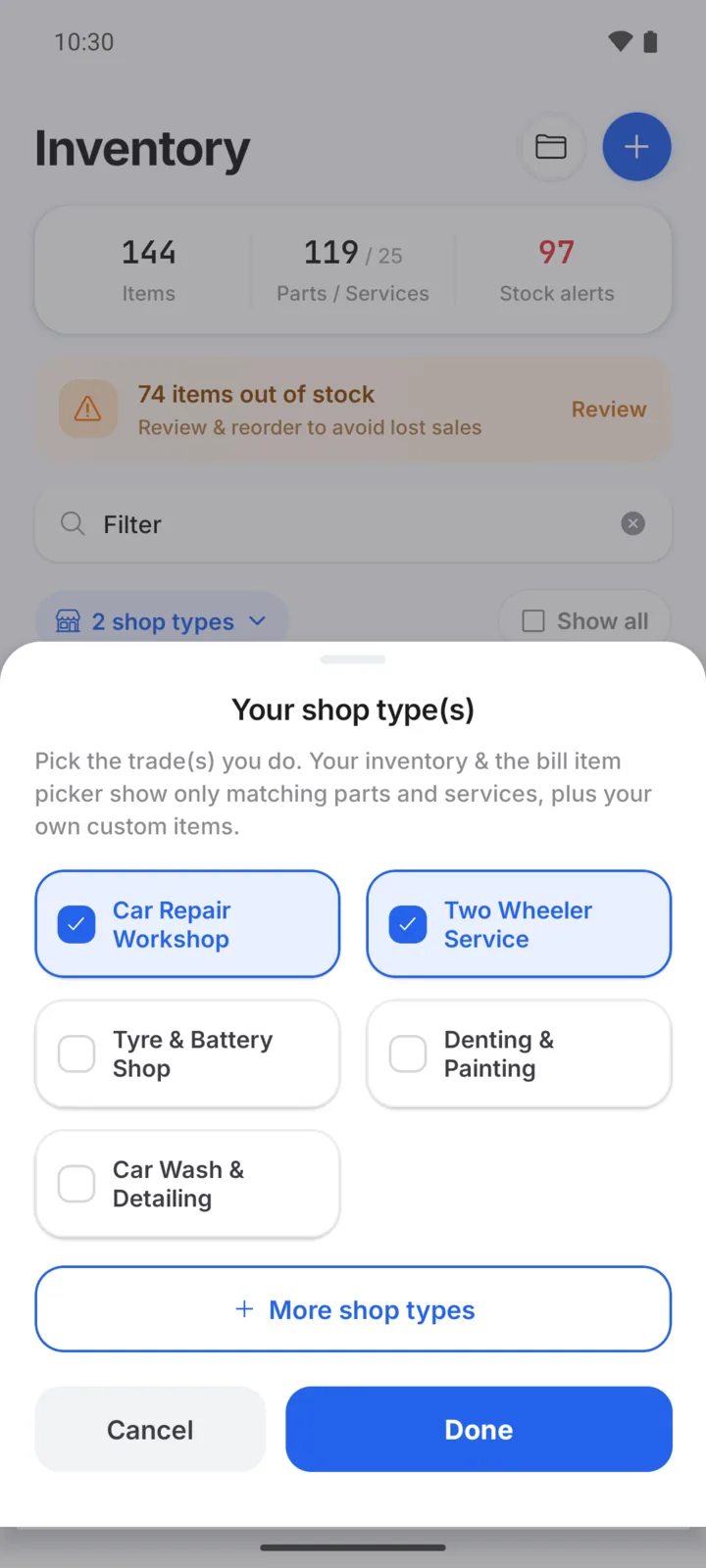
Pick your garage type
Car Repair Workshop, Two Wheeler Service or any of 18 trades. You get a matching item list.
- Step 04
Set prices and bill
Add prices for the items you use, then tap New Bill.
Step by step
How-to guides
Before you install
What you need
| Android app | Android 7.0 or newer, from Google Play |
| Web app | A current browser such as Chrome, Edge or Safari, on a computer or tablet |
| Account | Sign in with Google or with email and password |
| Internet | Mobile data or Wi-Fi |
| Language | English |
| Price | Completely free. No card needed |
Questions garage owners ask
Is there an iPhone app?
Not at the moment. On an iPhone, iPad or computer, sign in to the GarageBilling web app in your browser.
Which language is the app in?
The app is in English. Item names, bills and messages are simple and short, and you can add your own items and write reminder messages in your own words.
Do I need the internet to use it?
Yes. GarageBilling saves your bills to your account online, so it needs mobile data or Wi-Fi. That is also what lets you see the same records on the web.
Can I use the same account on my phone and computer?
Yes. Sign in with the same Google account or email on the Android app and on the web app, and you see the same garage.