Bill statuses
What Draft, Estimate, Unpaid, Partial, Paid and Cancelled mean on a GarageBilling bill, and what you can do with each.
Every bill in GarageBilling has a status. It tells you whether the bill is finished, whether it has been paid, and what you can still change. You see it as a coloured label on each bill in the Bills tab, and you can filter the list by it.
The statuses
| Status | What it means | How a bill gets it |
|---|---|---|
| Draft | An unfinished bill. Not counted as a sale and does not change stock. | Tap Draft instead of Create Bill |
| Estimate | A quote for the customer. Not counted as a sale and does not change stock. | Tap New Estimate on the Home screen |
| Unpaid | A finished bill with no payment recorded yet. | Tap Create Bill, or finish a draft |
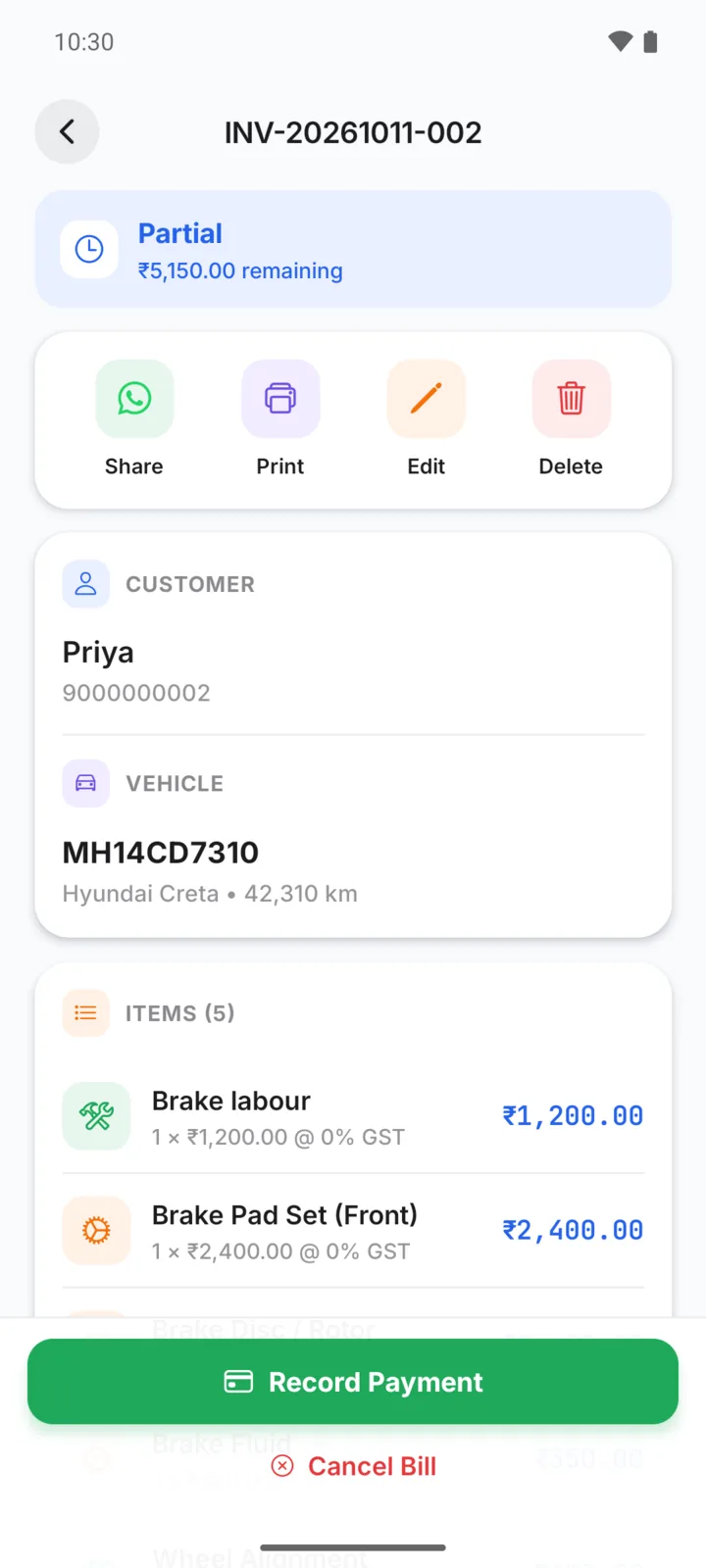
| Partial | Part of the bill has been paid. The bill shows how much is remaining. | Record a payment for less than the total |
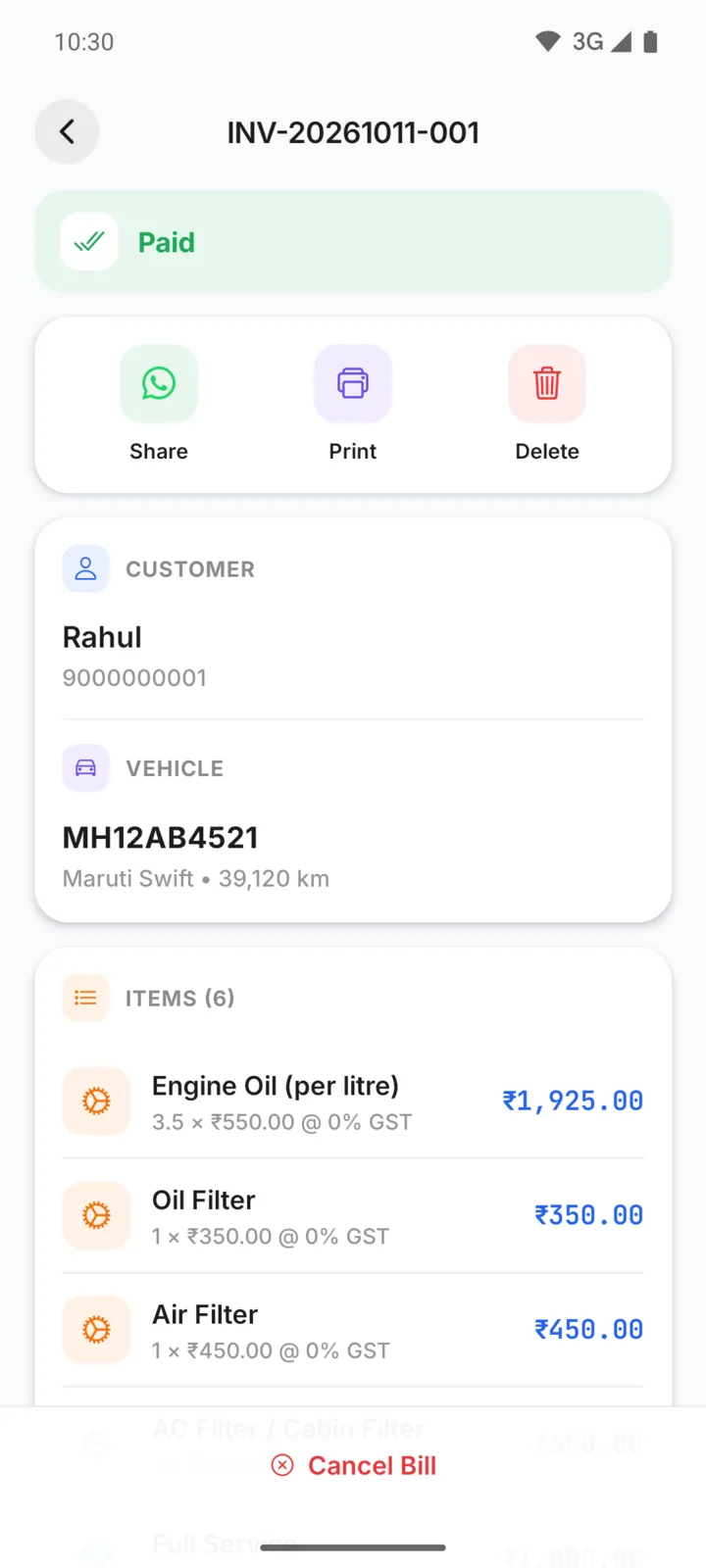
| Paid | The full amount has been recorded. | Record payments that add up to the total |
| Cancelled | The job was called off. Parts go back into stock. | Tap Cancel Bill on the bill |
On the bill screen itself, an Unpaid bill is labelled Completed at the top. It is the same status: the bill is finished and nothing has been paid yet.
What you can do with each
| Status | Edit | Record Payment | Convert to Bill | Cancel | Delete |
|---|---|---|---|---|---|
| Draft | Yes | No | No | Yes | Yes |
| Estimate | Yes | No | Yes | Yes | Yes |
| Unpaid | Yes | Yes | No | Yes | Yes |
| Partial | Yes | Yes | No | Yes | Yes |
| Paid | No | No | No | Yes | Yes |
| Cancelled | No | No | No | No | Yes |
- Finishing a draft: open the draft, tap Edit, then Create Bill. It keeps the same bill number.
- Editing a finished bill: you can change the items, quantities, prices, discount and notes. The customer and vehicle cannot be changed. Tap Save Changes when you are done.
- Paid bills can't be edited. If you need to correct one, cancel it and make a new bill.
Cancel or delete?
Both ask you to confirm, and neither can be undone.
- Cancel Bill keeps the bill in your list, marked Cancelled, so you still have a record. Its PDF is marked VOID.
- Delete removes the bill completely.
Either way, if the bill had taken parts out of stock, they are put back.
Finding bills by status
On the Bills tab, tap All, Unpaid, Paid, Estimate, Partial or Draft to filter the list. Cancelled bills show under All. Use the calendar button to show only today, this week, this month or the last 30 days.