Share a bill on WhatsApp
How to send a GarageBilling bill to your customer as a PDF on WhatsApp, and how to print it.
Every bill in GarageBilling can be sent as a PDF. On the Android app you pick WhatsApp and the customer from your phone's share menu, then tap send yourself. The customer gets a clear bill with your garage name and logo.
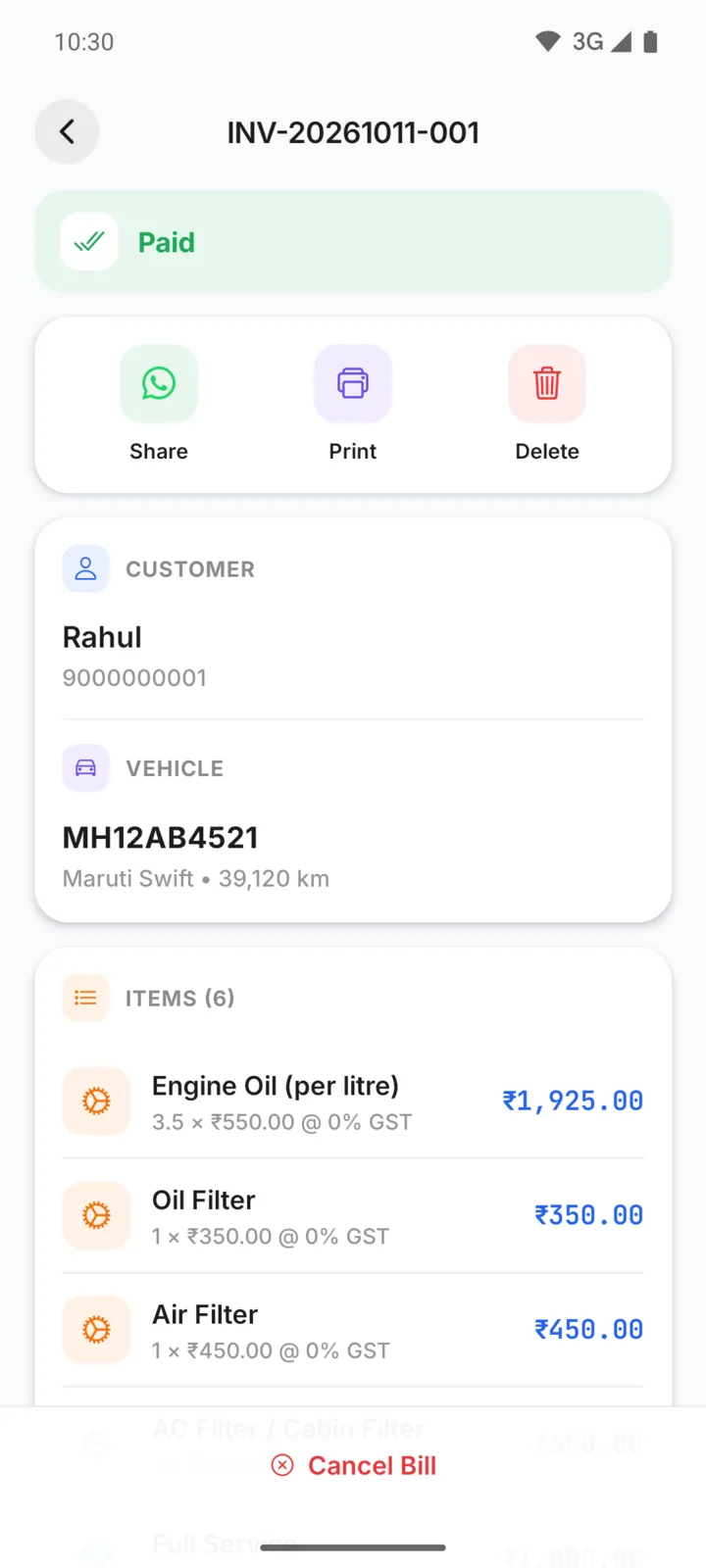
Open the bill
A new bill opens on its own after you tap Create Bill. For an older bill, open the Bills tab and tap it. Search by customer name, bill number or vehicle number to find it quickly.
Tap Share
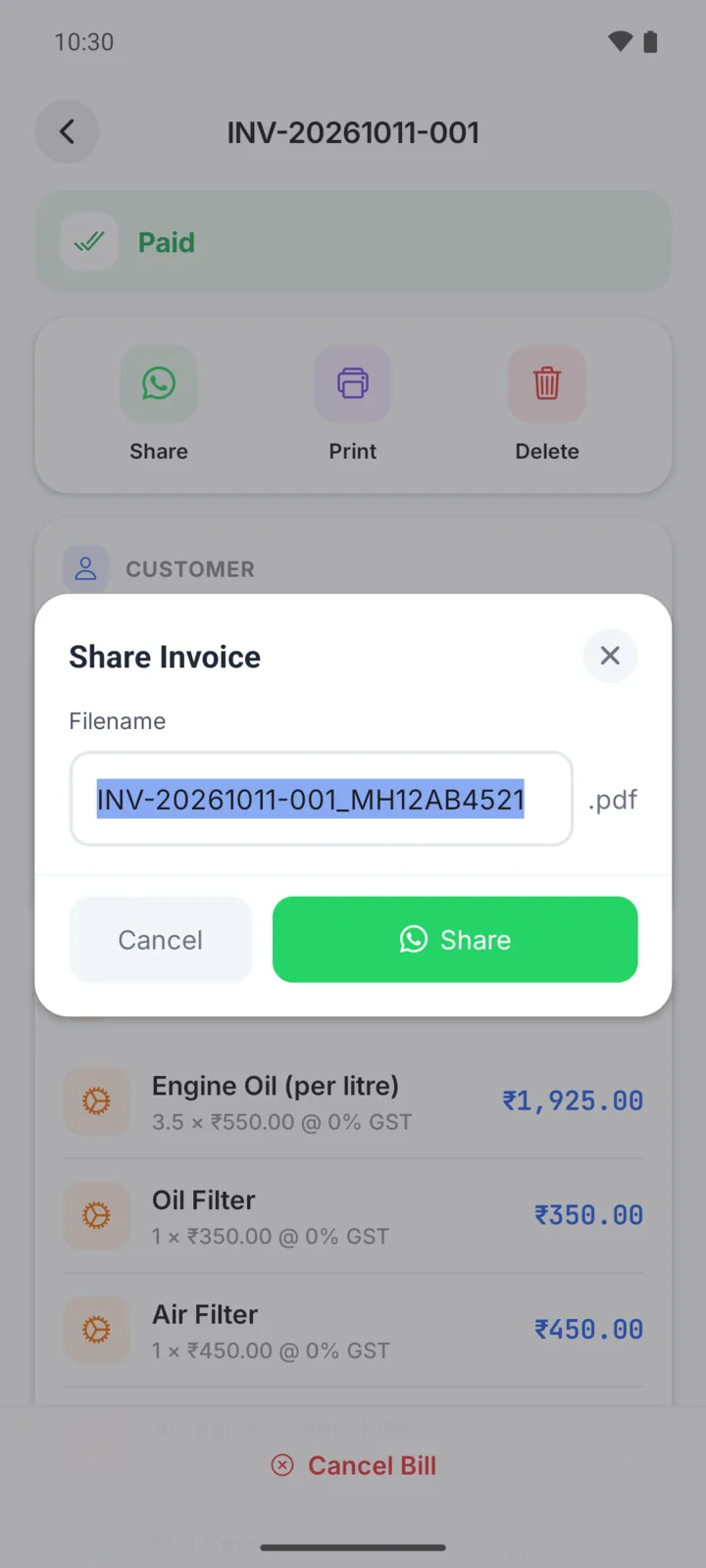
Tap Share at the top of the bill. The Share Invoice box shows the PDF's file name, such as
INV-20261011-001_MH12AB4521. Change it if you like, then tap the green Share button.
Pick WhatsApp and the customer
Your phone's share menu opens. Tap WhatsApp, choose the customer's chat and send. The bill arrives as a PDF they can open, save or forward.
You send the message
GarageBilling prepares the PDF; you choose the chat and tap send in WhatsApp. Nothing is sent without you. The same share menu also works for other apps, such as Gmail or Telegram.
Send it again later
The bill stays in GarageBilling. If a customer asks for it again, open the bill and tap Share again. Bills are also listed on each customer's page.
Print a bill
Tap Print on the bill. Your phone's print screen opens: choose a printer, or choose Save as PDF to keep a copy on your phone.
Change the file name for every bill
The file name follows the Invoice Filename Style in Settings → Garage Settings, for example the bill number and vehicle number. The design of the PDF is the Invoice Template on the same screen. See Set up your garage.
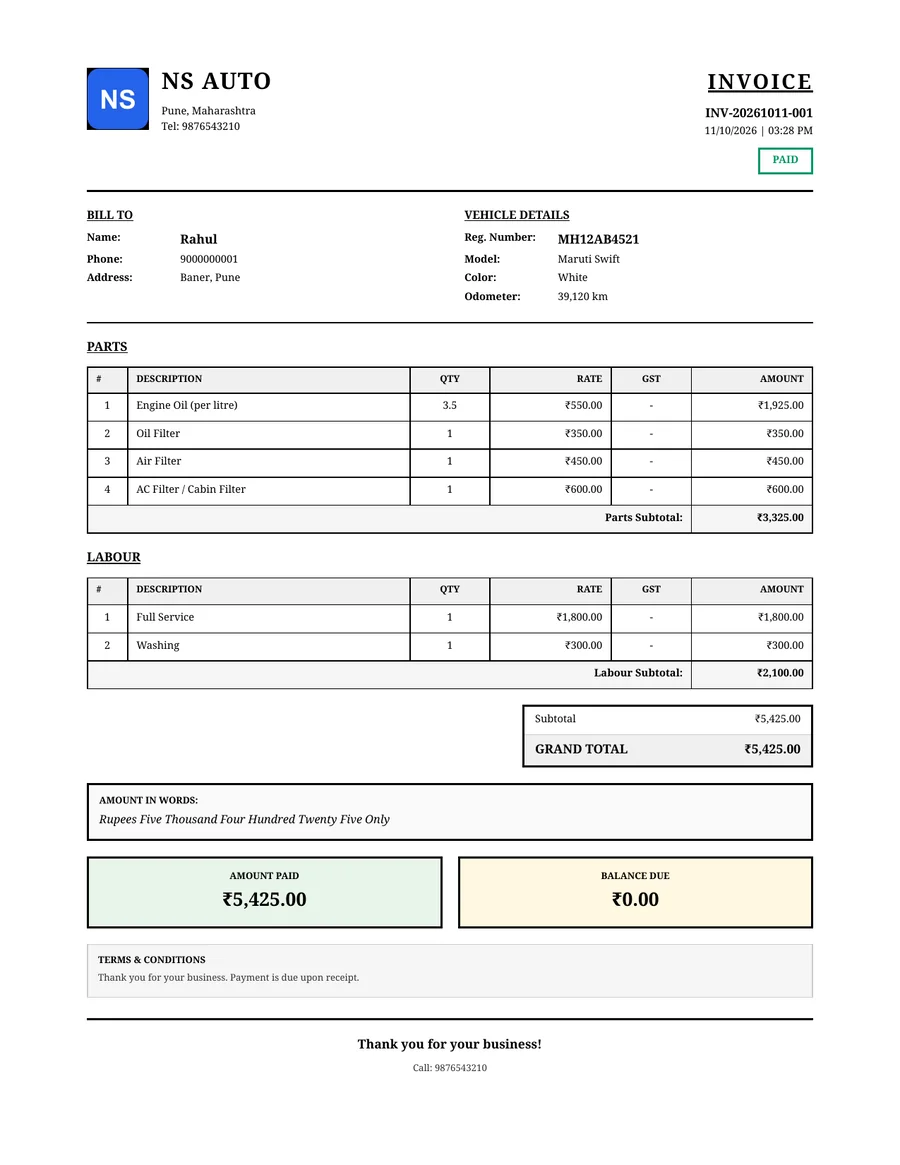
On the web app
Tap Share, pick WhatsApp in the share menu and choose the chat. The PDF is attached for you.
On a computer, the PDF downloads and WhatsApp opens with a short message to the customer. Attach the downloaded PDF and send. On a phone's browser, the share menu opens instead.